

An employee offboarding IT checklist helps your business close access promptly while keeping essential work and records available to the right people. Email is only one part of the picture: a departing employee may also have access to cloud apps, remote connections, shared credentials, company devices, and physical spaces.
Plan the steps with the employee’s manager, HR, and IT. Agree on who owns each task, when it should happen, and how completion will be confirmed. For a higher-risk or involuntary departure, coordinate the timing carefully and follow your organization’s established procedures.
Before the employee’s last day
Build an access and asset inventory
Ask the manager and employee to identify the tools and equipment used for work. Compare that list with your identity and device records, since employees may have accounts that are not obvious to their manager.
- Identity and sign-in: Directory or identity provider accounts, single sign-on, multifactor authentication methods, password managers, and recovery options.
- Work applications: Email, messaging, file sharing, project tools, customer systems, finance and HR platforms, and industry-specific software.
- Network and remote access: VPN, remote desktop, cloud consoles, Wi-Fi credentials, and other ways to connect to company systems.
- Elevated and shared access: Administrator accounts, shared passwords, service accounts, API keys, certificates, and credentials the employee may know.
- Physical access and equipment: Building badges, keys, laptops, phones, tablets, security tokens, storage devices, and other company property.
Give each task an owner. HR or a manager can confirm the departure details and collect assigned equipment; IT can handle account changes, sessions, credentials, and data handoffs. Record what was completed and note anything that could not be recovered or verified.
Decide what work must continue
Before access is disabled, identify the business records and active work that another employee will need. Confirm who should take ownership of projects, customer conversations, calendars, shared folders, and system responsibilities.
Make a plan for the employee’s email and files before changing the account. Depending on your tools and policies, a designated colleague may need access to business messages or records. Preserve and transfer what is needed without leaving the former employee able to sign in. For practical ideas on keeping work files available, see how to reduce problems with missing staff files.
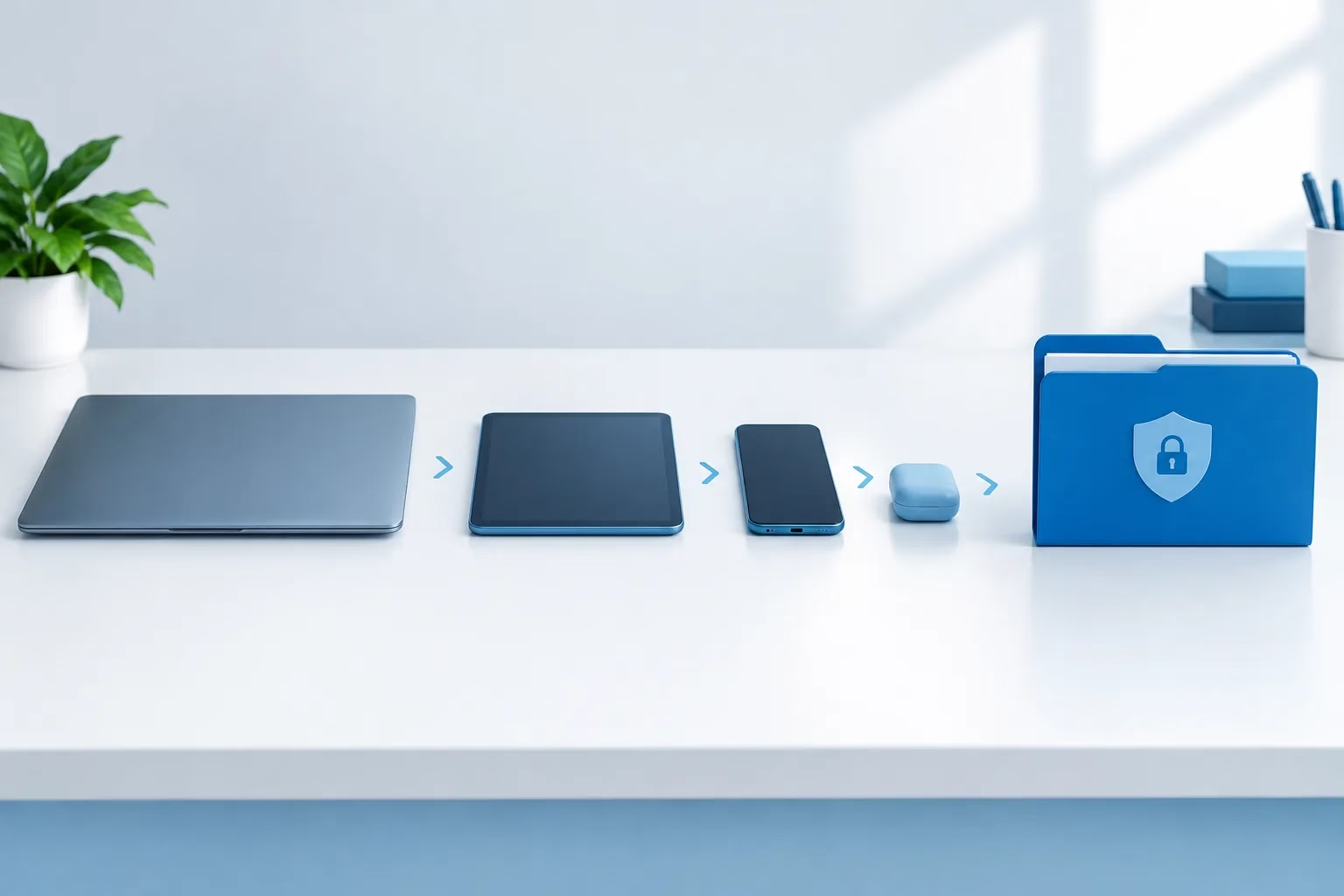
At departure: disable access and revoke credentials
Coordinate account deactivation with the departure time and the circumstances. When access should end, disable sign-in through the central identity system and any accounts that do not rely on it. Do not assume removing a person from the company directory automatically closes every separate app account.
Also revoke active sessions and tokens where the system supports it. Disable remote access, remove the person from access groups, and remove administrative roles. If a former employee knew a shared password or could use a shared credential, change it and confirm which current employees still need access. Review service accounts, API keys, and certificates the person managed or could access, then rotate or reassign them when appropriate.
The CISA departing-employee credentials checklist is a useful reference when reviewing credential revocation. Keep a record of the accounts and access paths checked, including any systems that need a separate manual change.
For email and collaboration accounts, preserve or transfer needed business information using your organization’s approved process. Set an appropriate handoff for incoming messages if needed, and make sure the person receiving work has only the access required for that work. Follow your retention and legal-hold procedures before deleting data or changing records that may need to be kept.
Recover devices and address personal devices
Collect company laptops, phones, tablets, badges, keys, and other assigned equipment. For remote employees, arrange a documented return process and confirm what was received. Record missing items and follow your organization’s procedure for protecting any company information that may remain on them.
If the employee used a personally owned device for work, identify whether company data or work accounts are present. Use the organization’s approved method to remove business access or data. A selective removal may be appropriate when supported by your device-management tools and policies; a full wipe can remove personal information too, so do not use it without confirming it is authorized and appropriate.
Check that device access has been removed from management tools and that business data is accounted for. If a device cannot be returned promptly, prioritize disabling its access to company accounts and follow your incident or lost-device process as needed.
After access is disabled: verify and document
Review the completion record with IT and the manager. Verify that the person cannot sign in to core systems, remote access, and separately managed applications. Confirm that physical access has been handled, equipment is accounted for, and work has a new owner.
Keep the account disabled while you confirm that email, files, and business records have been transferred or preserved appropriately. Account deletion is a separate decision. Check retention schedules, legal holds, business needs, and your organization’s policies before removing the account or its data. Microsoft’s guidance for removing a former employee and securing data can help you think through account and information handling in Microsoft 365.
For healthcare organizations, include the systems and records that may contain electronic protected health information in the access review. Follow your organization’s established procedures for protecting that information, preserving required records, and documenting the change. For broader security practices, review Zevonix’s cybersecurity checklist for business owners.
When an employee changes roles
A role change calls for an access review even when the employee remains with the organization. Remove permissions tied to the former responsibilities, reassess elevated access, and grant only the access needed for the new role. Check shared accounts, app-specific permissions, and device access as well as the central account. This helps prevent old access from accumulating as responsibilities shift.
Frequently asked questions
When should a former employee’s access be disabled?
Coordinate the timing with HR, the manager, and IT, then disable access when it should end under your organization’s procedures. For higher-risk or involuntary departures, plan the sequence carefully so account changes and handoffs are coordinated.
Should you revoke active sessions and reset passwords?
Revoke active sessions and tokens where supported. Reset or rotate credentials the employee knew or could use, including shared and privileged credentials. Review each system because its sign-in controls may be managed separately.
Should you delete the account right away?
Not necessarily. First block sign-in and revoke access. Preserve or transfer needed business information, then check retention, legal-hold, and internal policy requirements before deleting the account or its data.
How should you handle email and files?
Identify business records and active work that need a new owner. Transfer or preserve them through an approved process, and provide any necessary access to the designated colleague without enabling the former employee to sign in.
Make offboarding a repeatable process
A dependable employee offboarding IT checklist covers identity, applications, credentials, devices, physical access, and business records. Assign owners, verify completion, and keep the account disabled while necessary information is transferred and retention needs are checked. If you would like help reviewing your business’s IT processes, get in touch with Zevonix.
Stay Informed
Want smarter insights without the noise? Get our latest ideas and strategies delivered right to your inbox.
We respect your privacy. Unsubscribe at any time.