
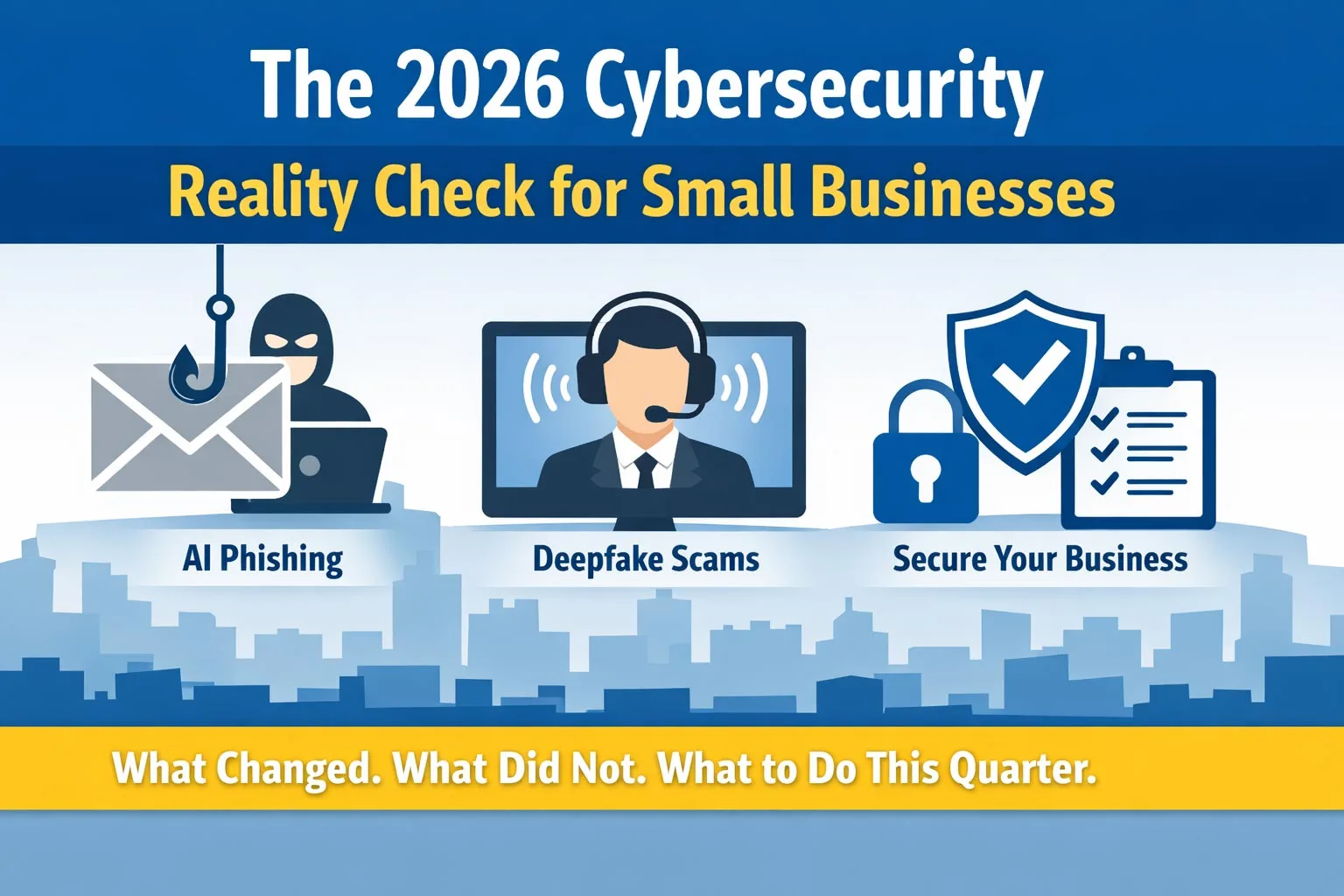
If you run a small business, cybersecurity in 2026 probably feels like two realities at once.
- Some things have changed fast, especially the way scams are written, delivered, and personalized.
- Other things have not changed at all, like the basic controls that stop most real incidents.
This guide is a reality check. You will learn what is new, what is the same, and what to do this quarter to reduce risk without slowing your team down.
2026 Cybersecurity Reality Check for Small Businesses: What Changed and What to Do This Quarter – Table of Contents
What changed in 2026
1) Phishing is now AI powered and it shows up everywhere
The average phishing email used to be sloppy. Typos, awkward tone, weird formatting. Easy to spot.
Now, AI makes phishing cleaner, more specific, and faster to scale. Attackers can generate:
- Perfectly written emails that match your industry
- Messages that reference real vendors, tools, and job titles
- Follow ups that mirror a real thread tone and pace
- SMS and chat messages that sound like a coworker
The scary part is not that AI is smarter than your team. The scary part is that it makes attacks look normal.
What this means for you:
- You cannot train people to “spot bad grammar” anymore.
- You must build habits and controls that assume the message might look legitimate.
2) Deepfake impersonation is moving from “rare” to “routine”
In 2026, impersonation is not only email. It is voice, video, and fast context.
A common play looks like this:
- An employee gets a call that sounds like the owner or finance lead.
- The caller creates urgency: payroll issue, vendor payment, wire transfer, gift cards, “we will miss the deadline.”
- They add a reason to bypass process: traveling, in a meeting, phone about to die, confidentiality.
Even if the deepfake is not perfect, urgency and authority do most of the work.
What this means for you:
- The correct defense is not “be skeptical.” It is “use a verification process that cannot be socially engineered.”
3) Business email compromise keeps evolving, and the money is still the goal
A lot of attacks are not about ransomware. They are about getting paid.
That includes:
- Fake invoices
- Changed bank details
- Vendor “payment portal” redirects
- Payroll reroutes
- “Updated W-2” and HR bait
What this means for you:
- Your most important cybersecurity controls might sit inside accounting workflows.
4) Your tools are smarter, but misconfigurations still create openings
More small businesses are using Microsoft 365, cloud apps, and managed endpoints than ever. That is good.
But most breaches still involve:
- Weak identity controls
- Poor device hygiene
- Over permissioned access
- No tested backups
- No clear incident response plan
AI did not change that. It just made attackers faster at finding the weak spot.
What did not change
1) Identity is still the front door
Most serious incidents start with a compromised account. Not a movie style hack.
If an attacker gets into one mailbox, they can:
- Read invoices and payment patterns
- Email vendors as you
- Reset passwords elsewhere
- Steal data quietly
- Plant the next step
Your highest ROI security investment is still identity protection.
2) The best defenses are still boring, and that is a compliment
The controls that consistently reduce risk are not trendy. They are repeatable.
- Multi factor authentication on every account
- Conditional access policies where possible
- Strong password policies or passwordless where appropriate
- Endpoint protection and patching
- Least privilege access
- Backups that restore
- Security awareness with real scenarios
- Logging and alerting that someone actually reviews
3) Process beats hope
In 2026, your people are not “the problem.” They are the target.
You do not win by telling staff to be perfect.
You win by building process and guardrails so one mistake does not become a disaster.
The habit that matters most: verify out of band
“Verify out of band” means you confirm a request using a different communication path than the one the request came in on.
Examples:
- Email requests a wire transfer. You verify by calling the vendor using a saved number from your accounting system.
- A Teams message says “send gift cards.” You verify by texting the person’s known cell number, or calling them.
- A voicemail asks for a password reset. You verify through your normal ticketing process and identity checks.
The rule:
If money, credentials, banking info, vendor details, or sensitive data is involved, you verify out of band. Every time.
This single habit stops a huge percentage of AI phishing and deepfake impersonation attempts.
Your 2026 “this quarter” action plan
You do not need a massive overhaul. You need the right moves in the right order.
Step 1: Lock down identity in the next 14 days
Priority actions:
- Require MFA for every user, no exceptions
- Block legacy authentication if it is still enabled
- Review admin roles and remove what is not needed
- Turn on suspicious sign in alerts
- Require strong password policy or move toward passwordless for key users
Quick win:
- Make sure finance and leadership accounts have the strongest login controls first.
Step 2: Make deepfake and AI phishing harder to succeed in 30 days
Priority actions:
- Create a written “verification policy” for money and payroll changes
- Add a second approver for wires and bank detail updates
- Require vendor banking changes to be verified by phone using known numbers
- Train staff on realistic examples, not generic warnings
Quick win:
- Put the verification rules in the same place people do the work, like your accounting SOP, not a dusty policy folder.
Step 3: Patch and protect endpoints in 30 to 45 days
Priority actions:
- Confirm every device is managed and receiving updates
- Enforce OS patching and browser updates
- Remove local admin rights where possible
- Ensure endpoint protection is installed, active, and monitored
- Confirm device encryption on laptops
Quick win:
- Start with laptops and any computer used for banking or payroll.
Step 4: Reduce blast radius with access control in 45 to 60 days
Priority actions:
- Audit who has access to what, especially shared drives and cloud folders
- Remove “everyone has access” patterns
- Use role based access and least privilege
- Separate finance, HR, and leadership data
Quick win:
- If a single compromised account can see everything, fix that first.
Step 5: Make backups real in 60 to 90 days
Priority actions:
- Confirm you have backups for servers, cloud data, and critical apps
- Turn on immutable or protected backups if available
- Test a restore for at least one critical system
- Document recovery steps so you are not guessing during a crisis
Quick win:
- A backup that has never been tested is a hope, not a plan.
A simple checklist you can copy into your quarterly plan
- MFA enabled for all users
- Admin accounts reviewed and reduced
- Conditional access or equivalent protections applied
- Finance workflows require out of band verification
- Vendor bank changes require phone verification using known numbers
- Endpoint patching enforced and monitored
- Endpoint protection installed and reporting
- Local admin removed where possible
- Access to sensitive folders limited by role
- Backups tested with at least one successful restore
- Incident response contacts and steps written down
Warning signs you should not ignore in 2026
If any of these are true, your risk is higher than you think:
- You do not know who has admin access
- People share logins or mailbox passwords
- Payroll changes are handled over email only
- Vendor banking changes do not require a phone verification
- You cannot confirm backups restore
- You have devices with vulnerabilities that remain unpatched or replaced.
- Former employees might still have access to accounts or shared folders
Do you want to Action now?
If you want to know where you stand, run a simple 30 minute cybersecurity reality check this week.
We review:
- Identity and MFA posture
- Finance and vendor verification process
- Endpoint protection and patching health
- Backup and recovery readiness
Schedule Your Free Consultation
📞 Call us at 904.658.0777
🔒 Book Your meeting with Zevonix »
Frequently Asked Questions
What is the 2026 cybersecurity reality check for small businesses?
It is a quick way to compare what threats changed in 2026 versus what core protections still matter most. The goal is to identify the few fixes that reduce risk fast, like stronger logins, safer payment verification, and tested backups.
What are the biggest cybersecurity threats for small businesses in 2026?
The biggest risks are AI driven phishing, impersonation scams (including deepfake voice), account takeover, vendor invoice fraud, and ransomware. Most incidents start with a tricked user or a compromised login, then expand from there.
How does AI driven phishing work in 2026?
AI driven phishing uses AI to write believable messages that match your industry, your vendors, and even your internal tone. It can look like a normal invoice, a Teams message, or a password reset request, which is why you need process based verification, not typo spotting.
What is deepfake impersonation and how do we stop it?
Deepfake impersonation is when someone uses AI to mimic a real person’s voice or video to pressure staff into sending money, changing payroll, or sharing access. The best defense is a strict verification process for money and sensitive requests, plus a second approver for payments.
What does “verify out of band” mean in cybersecurity?
Verify out of band means you confirm a request using a different channel than the one it came from. Example: an email asking for a wire gets verified by calling a known number saved in your system, not the number in the email.
What is the best cybersecurity checklist for small businesses in 2026?
A strong checklist includes MFA on every account, reduced admin access, patched and protected devices, least privilege file sharing, backups that are tested, and a simple incident response plan. The checklist matters most when it is enforced, not just documented.
What should we do first if we only have 30 days to improve security?
Start with identity and finance controls. Enforce MFA everywhere, review admin roles, turn on risky sign in alerts, and implement out of band verification for vendor payments and payroll changes. These steps prevent many real world losses quickly.
Stay Informed
Want smarter insights without the noise? Get our latest ideas and strategies delivered right to your inbox.
We respect your privacy. Unsubscribe at any time.