

Can employees use personal devices for work safely? Yes, if a business sets clear conditions for access, protects work information, and gives employees a straightforward way to report problems. Without those safeguards, a personal phone or laptop can blur the line between company data and private information.
A bring-your-own-device (BYOD) approach is not simply allowing staff to check email on whatever device they have. It means deciding which devices can connect, what protections they need, which work apps are approved, and what the business can manage. NIST’s BYOD security guidance is a useful reference when shaping that approach.
The goal is to make work access secure without treating an employee’s personal device as company property. That requires practical rules and an upfront conversation about privacy.
Start with the work, not the device
Before approving personal devices, decide what employees need to do on them. Reading a calendar or replying to routine messages may involve different risks than downloading client files, handling financial records, or accessing sensitive business systems.
Limit access to what each role needs. You might allow approved email and collaboration apps while keeping certain files or systems available only from managed, company-issued devices. If a personal device cannot meet the requirements for a particular task, do not make it an exception just because access would be convenient.
Businesses that handle healthcare, financial, legal, educational, or other sensitive information should tailor device rules to their data and obligations. A general BYOD policy is not a determination that a business meets its compliance responsibilities. For healthcare-related considerations, see Zevonix’s overview of HIPAA compliance and protecting patient data.
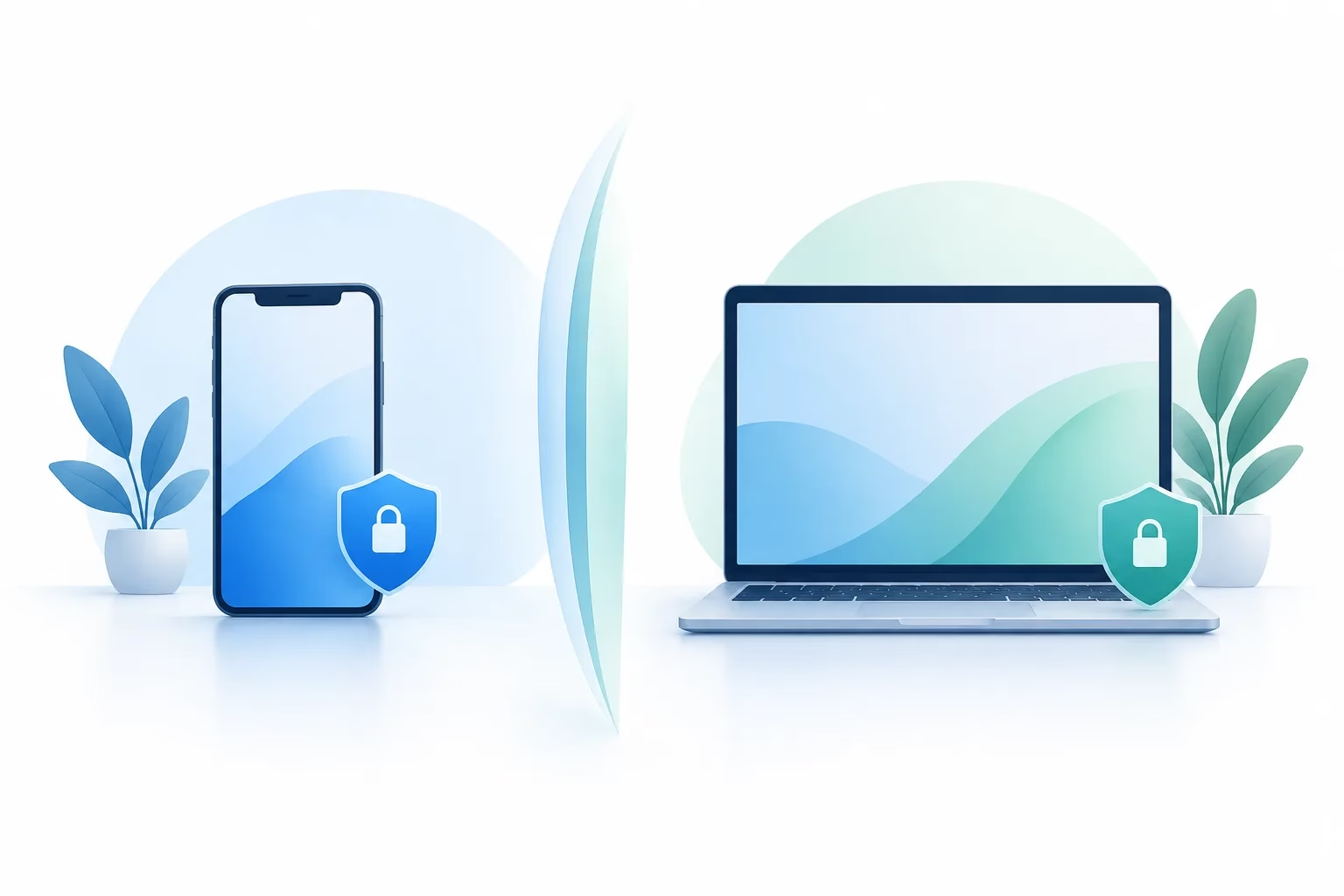
Set baseline rules for phones and laptops
A BYOD security policy should spell out what an employee must do before connecting a personal device to work accounts. Keep the requirements understandable and apply them consistently.
- Approve devices and apps. Identify which types of devices and operating systems are supported, and which apps employees may use for work. Avoid storing company files in personal apps or unapproved cloud accounts.
- Require updates. Devices should receive supported operating system and security updates. Set a process for addressing devices that fall behind or are no longer supported.
- Protect access. Require a screen lock and strong sign-in protections. Use multifactor authentication for work accounts where available, and ensure employees know not to share work credentials.
- Protect stored information. Require device encryption where supported, and limit the amount of work data saved locally. Prefer approved work apps or managed storage over personal downloads.
- Explain reporting and access removal. Employees should know how to report a lost device or suspected account exposure. The business should also have a process to remove work access when a role changes or employment ends.
CISA’s guidance on protecting data stored on devices offers additional general steps employees can follow to safeguard their devices.
Phones and laptops need different controls
A personal phone is often used for quick access to email, calendars, messaging, or authentication. Set boundaries around which work apps are approved and whether files can be downloaded or shared with personal apps. A separate work profile or managed app container can help keep work information distinct from personal apps, depending on the tools in place.
A personal laptop may be used to create, download, or store more work files. Along with updates, screen locking, encryption, and multifactor authentication, consider whether the laptop has appropriate security software and whether work files are being saved only to approved locations. Separate work and personal user accounts can help keep everyday activity apart, but they do not replace access controls or a clear storage policy.
For either device, tell employees not to forward work messages to personal email or copy files into personal storage just to make them easier to reach. If the team uses cloud collaboration tools, define how they should be used. Zevonix’s guide to protecting client data in Teams and OneDrive can help inform those conversations.
Make the privacy boundaries explicit
Employees should understand what enrolling a personal device means before they agree to it. Device-management tools vary, and their visibility and controls depend on the product, configuration, and enrollment method. A business should not make vague assurances or imply every tool works the same way.
Explain in plain language what IT can access or manage, such as work apps, work account settings, or device security status. Be equally clear about what the business does not intend to access, such as personal photos or private messages, where the tools and configuration support that boundary. If a tool can collect device details or location information, disclose that before enrollment and explain why it is needed.
Ask employees to review the policy and provide a way to raise concerns. Where possible, use a work profile or container to separate work apps and data from personal content. The business should also document what happens if a device no longer meets the rules or an employee chooses not to enroll it. A reasonable alternative, such as a company-issued device or access limited to approved systems, helps keep the policy fair.
Plan for a lost or stolen device
Make the response simple enough that employees can follow it under pressure. Tell them to report a missing device promptly to the person or team responsible for security, even if they are unsure whether work data is at risk. They should not wait to see if the device turns up.
Once notified, the business can assess what work accounts and information the device could access. Depending on the setup, the response may include locking the device, revoking active sessions, changing or resetting credentials, and removing work data through approved management tools. The business should also determine whether sensitive information may have been exposed and follow its established incident-response process.
Do not promise employees that IT can erase work data without touching personal files in every situation. Selective removal may be possible when work data is kept in a managed profile or app, but capabilities depend on the device and configuration. Explain those limits in advance, and do not ask employees to perform a full factory reset unless that action has been discussed and approved.
When a company-issued device is the better choice
BYOD is not the right fit for every employee or task. Providing a work device is often the clearer option when a role needs access to highly sensitive information, the business cannot reliably enforce required controls on personal equipment, or staff need specialized software and support. It may also be the better choice when employees do not want work management tools installed on personal devices.
Choose based on the information being accessed and the protections the business can actually maintain, rather than making personal-device access mandatory by default. For additional ideas on how employee practices affect security, read Zevonix’s article on employees and cybersecurity risks.
Frequently asked questions
Can an employer see personal photos, messages, or apps on an enrolled device?
It depends on the management tool, its configuration, and how the device is enrolled. Before enrollment, the business should explain what information it can access and what it cannot, rather than making blanket promises.
Can an employer erase work data without wiping personal files?
Sometimes, if work information is separated in a managed profile or app and the tools support selective removal. The policy should explain how work data is separated and what limitations apply.
Is it safe to use a personal laptop for company email or files?
It can be, if the laptop meets the business’s security requirements and employees use approved accounts, apps, and storage. If the business cannot verify or maintain those protections, limit access or provide a work device.
What should I do if my personal phone used for work is lost?
Report it promptly using the business’s incident-reporting process. The security contact can assess access, revoke sessions or credentials, and determine whether work data may be exposed.
Make BYOD a clear choice, not an assumption
Personal devices can be useful for work, but safe use depends on defined access, separation of work data, privacy transparency, and a practiced lost-device response. Set the rules before employees connect, then revisit them as business needs change.
If you need help reviewing your business’s device access and support approach, get in touch with Zevonix to discuss your needs.
Stay Informed
Want smarter insights without the noise? Get our latest ideas and strategies delivered right to your inbox.
We respect your privacy. Unsubscribe at any time.